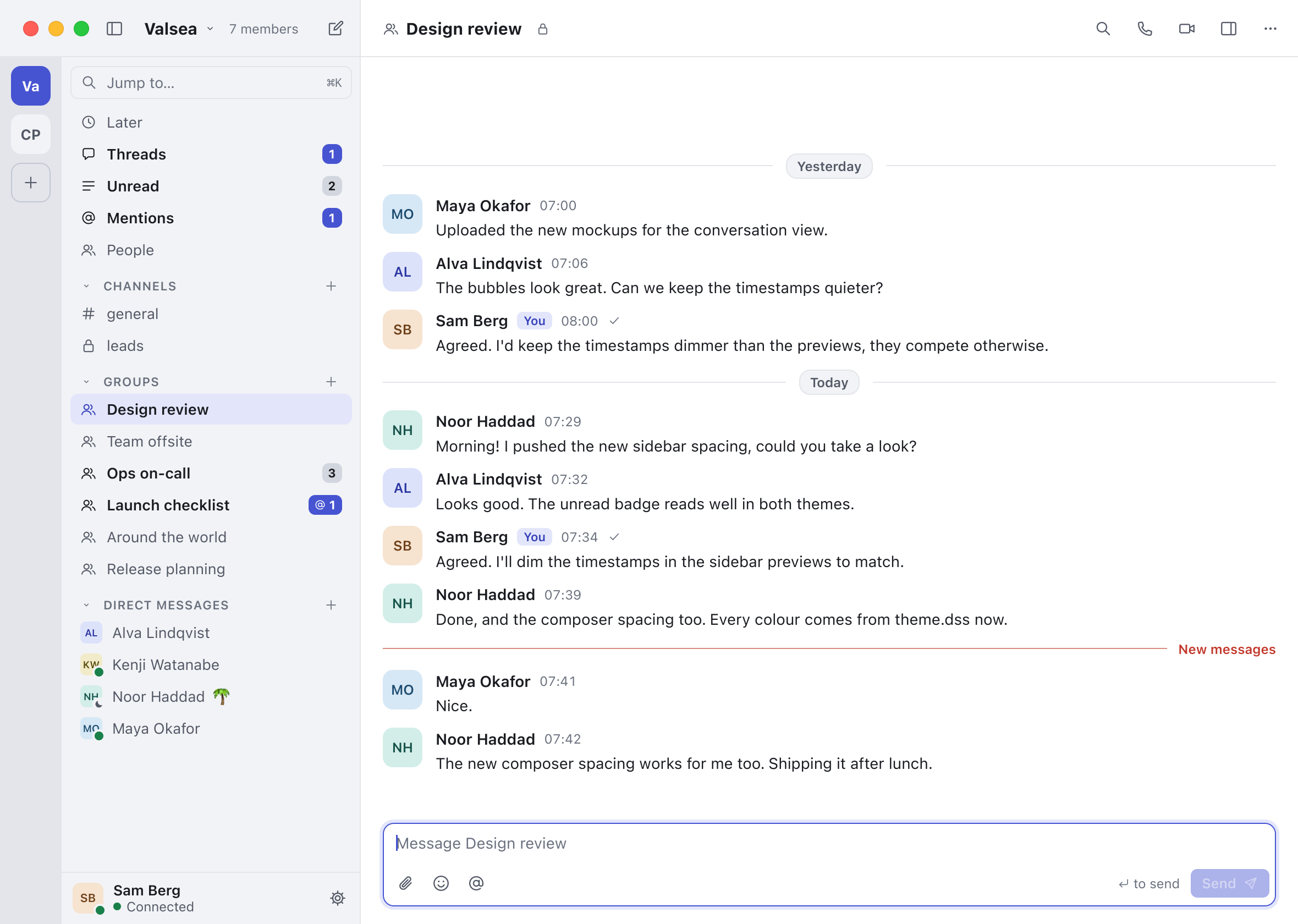
Messages sit in flat rows beside an organisation rail, Command-K searches conversations, messages and commands on the device, and Linux gets its first desktop version, on Wayland and Vulkan.
NewA consistent desktop appearance
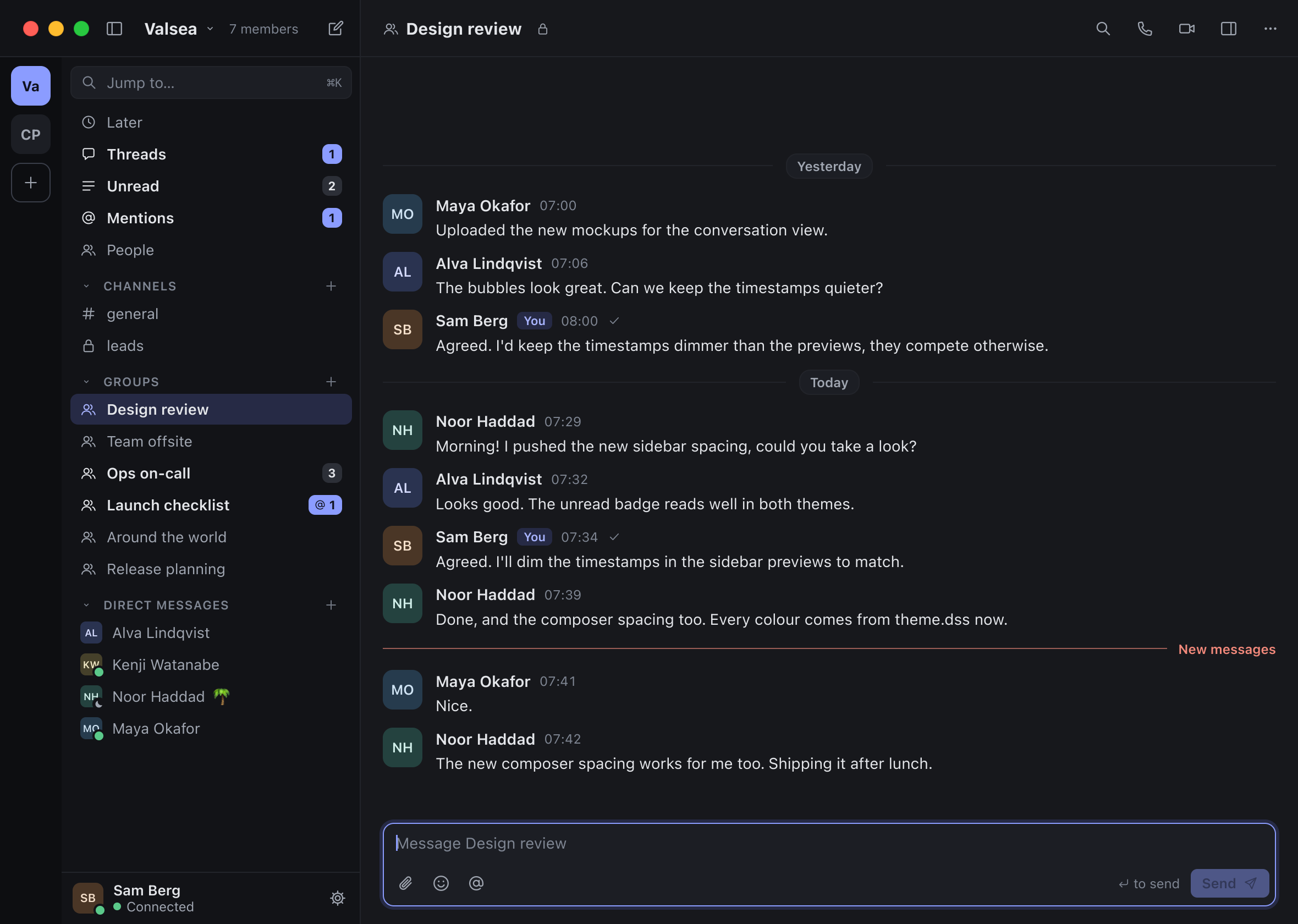
The new visual foundation adopted one spacing density, system fonts, themed controls and stable avatar colours. On the Mac, appearance could follow the system and use its selected accent colour.
NewA flatter conversation transcript
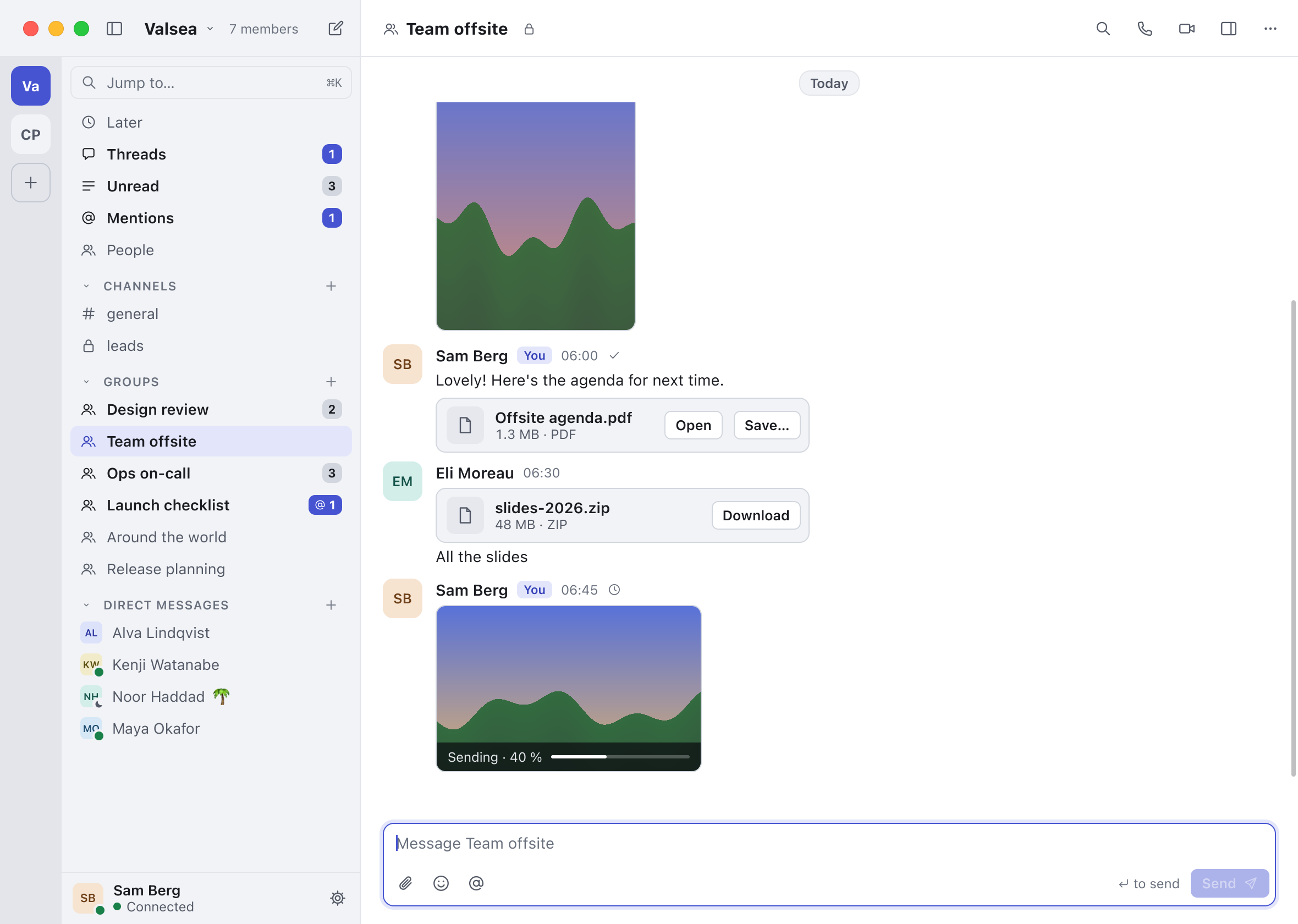
Messages moved from bubbles to aligned rows with names, avatars, times and hover actions. Replies, formatted text, mentions, reactions, attachments, unread markers and call records were carried into the new layout.
Also new
- A redesigned composer. The message box grew to ten lines before scrolling and included attachment, emoji and mention controls. Reply and edit modes stayed inside the box, with explicit Cancel and Save controls while editing.
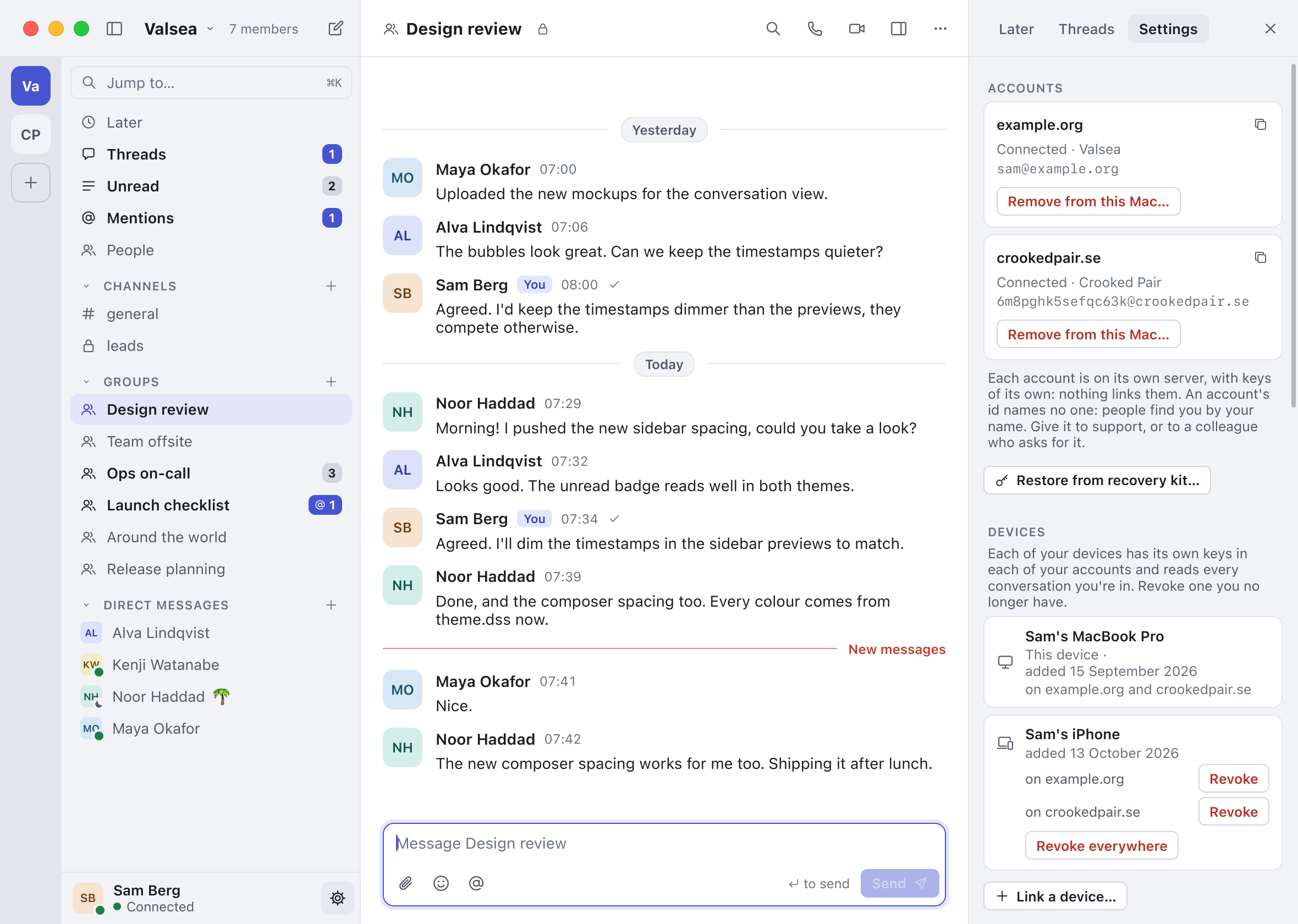
- Conversation details in a side panel. A Details panel brought together the topic, membership, roles, join requests and management actions for the conversation. When the window was too narrow, it overlaid the conversation instead of squeezing the message column.
- People by name. People lists and new-conversation searches showed colleagues by display name. Opening a person from the organisation’s searchable People list opened or started the direct conversation.
- One place to jump and search. Command-K opened a palette for conversations, locally indexed messages and commands. Results could reveal the matching message in its conversation; the search stayed on the device.
- A correction proposal while typing. A short pause could show a proposed correction or text replacement below the word. People could dismiss it, accept it at the next word boundary or undo it back to exactly what they typed.
- Select text in dialogs and notices. Informational text in generated dialogs, link confirmations, alerts and toasts became selectable and copyable. Selections behind a modal dialog turned inactive, and copying while the dialog was open followed its own text.
- Move text with a visible drop caret. Dragging text into a field showed the insertion position before dropping. Text could be moved within a field or copied with Option, with the drop treated as one undo step.
- Closer integration with Mac text input. Input-method clauses, candidate placement, Look Up and keyboard context menus were integrated with the focused text field. Mac Services could act on selected editable text; dictation alternatives were supported if the operating system supplied them.
- Protected copying of recovery secrets. On the Mac, copying from a secret field kept the clipboard item on that Mac and marked it concealed for clipboard managers. The visible recovery-kit text could still be copied and pasted deliberately.
- Names hidden from the mailbox server. Accounts gained random identifiers instead of chosen account names, while organisation names moved into encrypted directory content. Administrators could name an organisation without making that name readable by the mailbox server.
- Joining with a private invite card. Invite links carried what the client needed to open an encrypted organisation-name card before joining. Setup accepted the link and then the person’s name, and the installation guide was updated for that route.
- The first Linux desktop bridge. Linux gained a Wayland and Vulkan desktop bridge, on-demand PipeWire audio, clipboard and drag services, file portals, keyring support and accessibility connections. Optional tray support, application-link routing and Linux release archives were included.
- Tools can page through older history. Tools and plugins gained bounded pages beyond the latest-message limit, without changing the selected conversation or its unread state. The local page position was scoped to its account and conversation and expired on restart.
23 fixes and 11 more changes