Backups use less memory and restore every file copy
Backup and restore no longer hold a whole attachment history in memory, and a file attached several times restores every copy. Message lists keep their spacing, and dark-mode popups show their selection.
Fixed
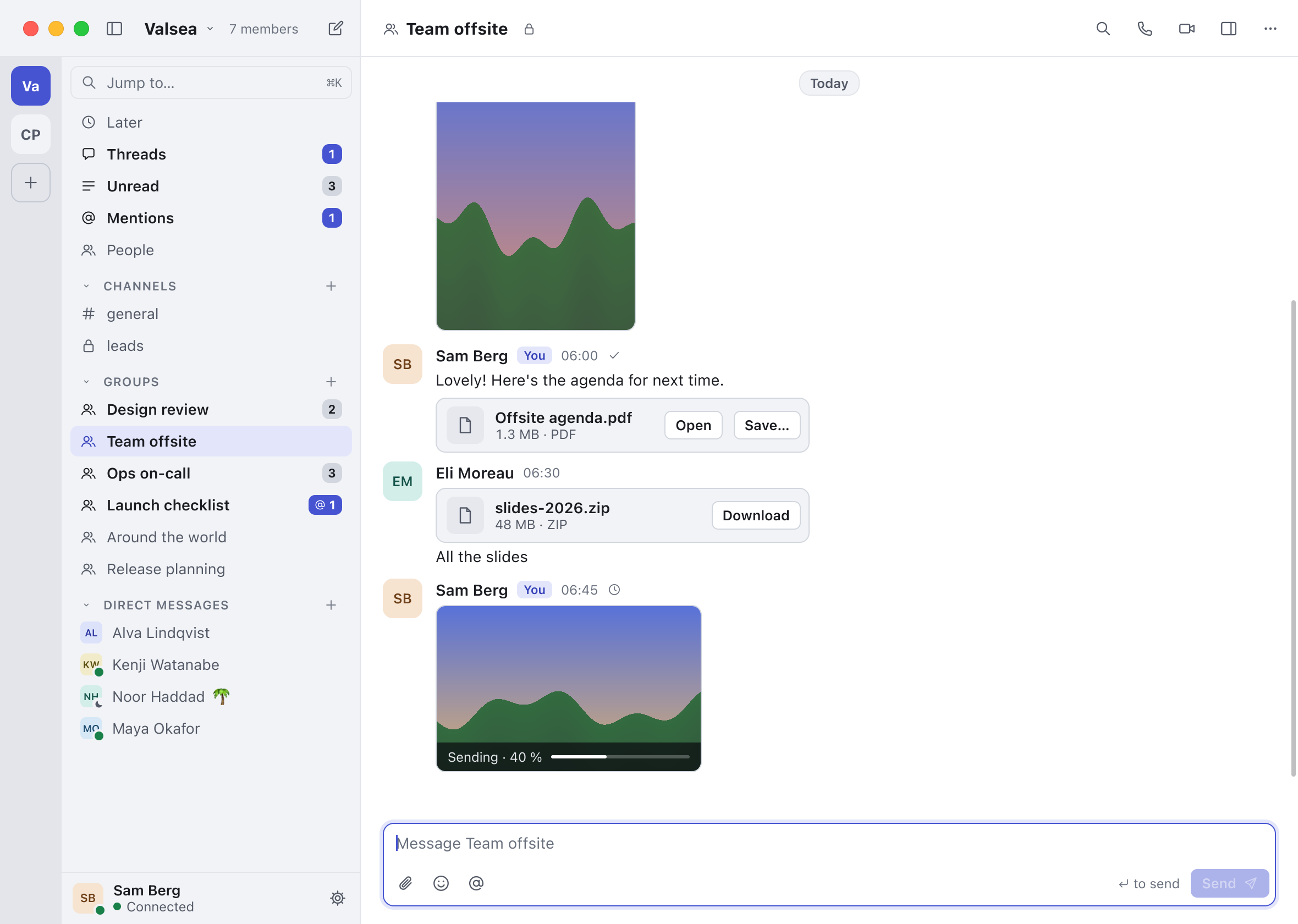
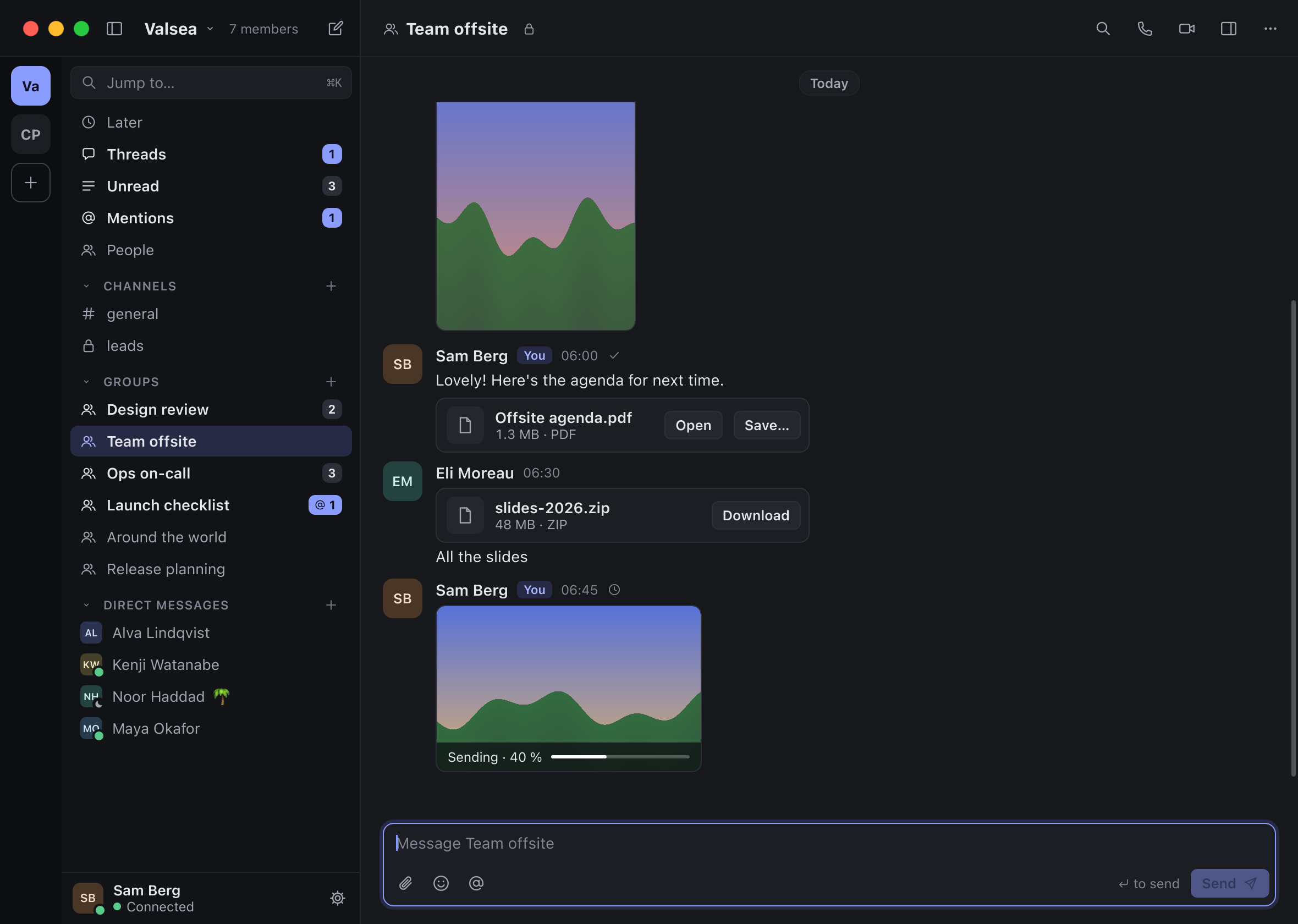
- Message lists keep their spacing and rows. Lists account for the space between rows, including their empty spacers. Revealing a row near the end builds the rows above it in the same frame instead of leaving a temporary gap.
- Date and unread markers stay clear. A pinned date hands over when its day scrolls away, and the unread divider stays clear of Jump to newest.
- Workflow messages in your language. Leaving a broken conversation no longer shows a needless error toast. Composer and other workflow messages now appear in your language instead of untranslated.
- Visible popup selection in dark mode. The current row in a popup menu has a visible highlight in the dark theme.
- Back up attachments without loading them all. Backup and restore process attachments without collecting the whole attachment history in memory. This reduces the working memory needed for large histories.
- File cards keep names and actions together. An attachment download keeps its filename associated with its completion. In narrow windows, file cards also keep their names and buttons inside the card.
- Restore every copy of an attached file. When the same file appears as several attachments, restoring a backup now gives each attachment its own copy instead of restoring only one occurrence.
- Recover cleanly when history cannot be saved. History transfers, device merges, removal notices and message-position updates now roll back or retry when local storage refuses a write. The app no longer treats an unsaved change as safely completed.
- Consistent Chinese font choice. After a Chinese-only character, surrounding Han characters continue using the appropriate language font.
- Join confirms the step shown. Your own Join approves the membership step its sheet names, so the confirmation matches the action you take.
- Empty fields keep their hint. An empty single-line field keeps its placeholder visible when it has keyboard focus.
- Safer text input under memory pressure. The interface drops an input event cleanly if it cannot allocate its working memory, and filters control characters from typed text.
- Call headers keep useful information. A healthy call keeps Share Screen available when its name must give way. A short group-call indicator shows useful text instead of only an ellipsis.
Under the hood 5 changes · tests, tools and the server
- Investigate release idle memory. The release chat sample’s idle memory was investigated and recorded.
- Safer failures across the encryption boundary. The C and Rust boundary uses a consistent owned diagnostic slot for each subsystem. An unexpected Rust failure reports its source location without printing its contents.
- More useful automated checks and diagnostics. End-to-end and interface checks wait for real readiness, settled layouts and decoded previews instead of relying on incidental timing. The automation driver identifies a pending approval, and the call benchmark handles steady forwarding on its simulated path.