Make Text Bigger, and copied pictures paste as pictures
The View menu gains Make Text Bigger, Make Text Smaller and Actual Size; Mac menus gain Enter Full Screen and more editing commands. Copied picture messages paste as pictures, with the caption in the draft.
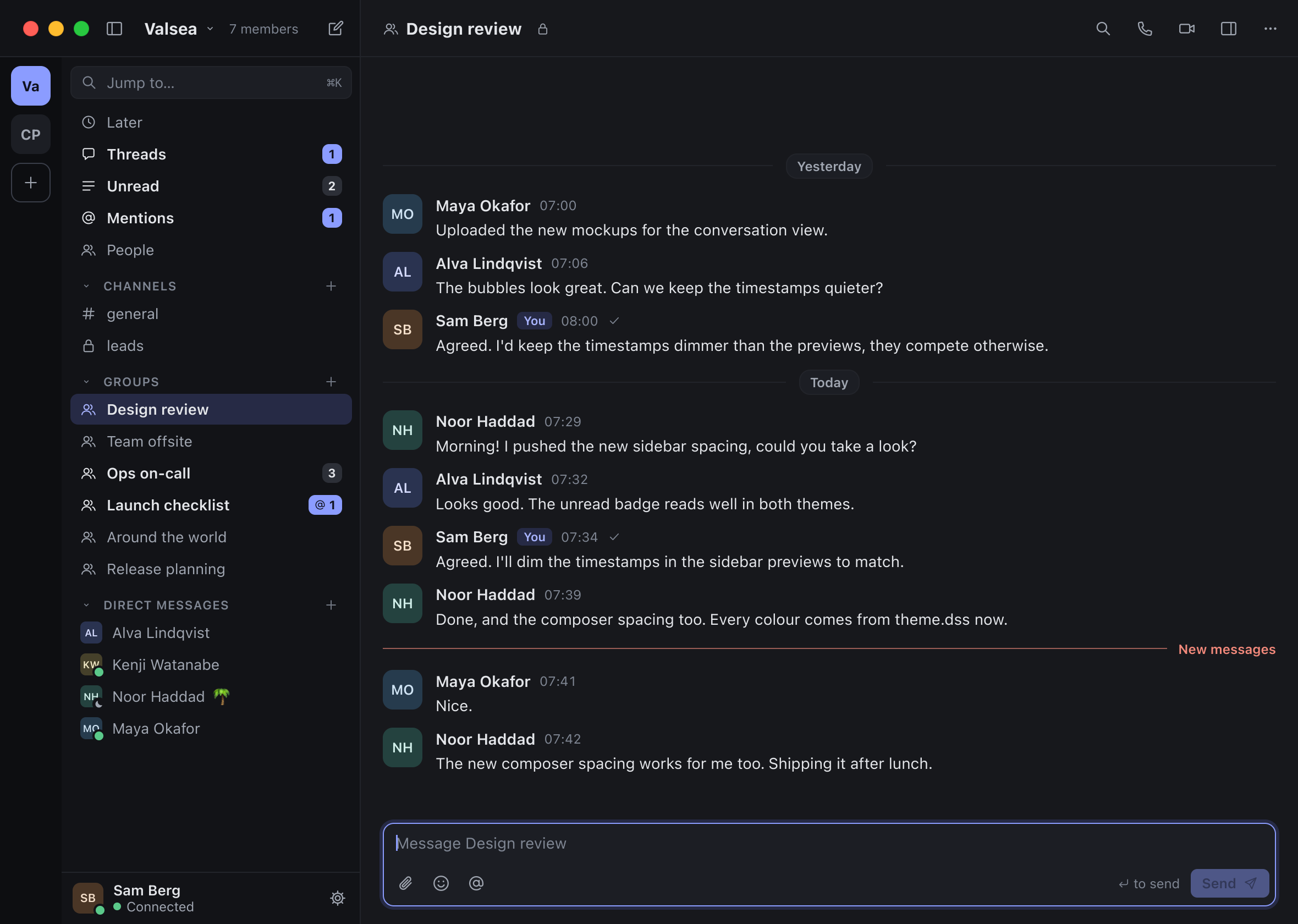
New
More standard Mac editing commands
Text fields support the Mac’s yank and transpose commands. The Edit menu gains Delete, Transformations and Speech commands.
New
Paste copied picture messages as pictures
Copying a picture message and pasting it now inserts the picture, with its caption placed in the draft.
New
Desktop text-size commands
The desktop View menu gains Make Text Bigger, Make Text Smaller and Actual Size.
Also new
- Standard Mac window commands. The Mac menus gain Enter Full Screen with its standard shortcut and Bring All to Front.
- Scroll from the keyboard. Page Up, Page Down, Home, End and Space scroll the currently focused scroll view.
Fixed
- Centred video stage. The video stage is centred within the space actually available to it.
- Shift-click extends from the last click. After a plain click in the message log, Shift-click extends the selection from that click instead of using an unrelated old anchor.
- Video waits without spinning. The video thread sleeps until a generated frame is due rather than busy-waiting through its last millisecond.
- Recovery errors mark the relevant field. A Recovery Kit or restore refusal marks only the field responsible for the error.
- Pasted terminal line endings stay single. A pasted carriage-return and line-feed pair becomes one line break instead of two in the terminal client.
- See which message you are editing. The message currently being edited is visibly marked in the log.
- Crisper thin rules. Thin interface rules align to whole device pixels at each display scale.
- Channel creation waits for the session. A request to create a channel before the session is ready waits for readiness instead of failing because it arrived too early.
- Deleted replies leave the thread count. A reply deleted for everyone no longer contributes to the thread’s reply count.
- Terminal pointer follows the current layout. The terminal no longer shows a floating tooltip, and its pointer reflects the layout after a click.
- Return keeps focus in one-line fields. Return in a single-line field keeps the keyboard there and selects its text, following Mac field behaviour.
- Typing naturally reaches the composer. The composer starts with keyboard focus. Typing or pasting text when no control is focused goes into the composer instead of disappearing.
- Jump to a result once and see it. Jump to… puts the selected message in view without repeatedly jumping back to it.
- Floating call cards stay self-contained. A floating call card keeps its status text whole and does not expose a stray strip of message log beside it.
- Links and mentions use the intended colours. Rich-text links and mentions follow the interface’s design colours again.
- Restore names the devices being replaced. The lost-devices step uses each device’s name from the encrypted backup and a neutral device icon instead of misleading device imagery.
- More complete terminal commands and picture viewing. The terminal translates command labels and plain-mode slash hints into Swedish, opens picture viewing with Space, double-click or the message menu, and keeps the account-linking action whole in Settings.
- Fix a Linux profile-thread leak. A Linux headless-profile path releases a thread-initialisation allocation that previously remained after use.
In the works 2 changes · designs and groundwork
- iPhone packaging tools. Tooling can build an iPhone archive and installation package, with signing and upload done by hand. TestFlight and nightly delivery come later.
- First pieces of Linux video. The Linux video bridge can report its backend capabilities, and portable H.264 bookkeeping is added with malformed-input coverage. Encoding, decoding and camera support follow.
Under the hood 7 changes · tests, tools and the server
- Enforce the Linux idle-memory measurement. The full verification run now judges Linux idle memory using the agreed footprint accounting.
- Better targeted development tools. Native helpers are cached by content and checked for identity, sanitizer media checks can be selected by name, and status falls back when one hosting API is limited. Interface and terminal drivers gain focused runs, size-specific galleries and clearer key translation; fixture boundary and repository-isolation checks are corrected.
- Land independent changes independently. Guidance now prefers merging independent changes one at a time, combining them only when needed.
- Keep secrets out of automated captures. End-to-end capture requests refuse screens showing Recovery Kits, linking codes or other visible secrets, and failure output uses counts in place of private labels.
- More reliable automation-attachment verification. Attachment tests isolate socket locations, reproduce the intended split condition and keep each enable attempt’s readiness record before cleanup.
- Better process and failure records. Process-identity failures retain their observations, debug crashes keep fault metadata, and test secrets no longer depend on run labels. Cleanup tests wait for actual child exits, and a harness-thread exception fails its run.
- Settled interface and server verification. Interface fixtures wait for identity-navigation changes, cover Escape press and release within one frame and compare only state owned by reset. Whole-runtime server leak scans also finish within the verification bound.